Your next Want‑Listing
can go further.
Syndicate a Want‑Listing to Gitcha.com and get a shareable page that features you as the agent. Included with your membership.
Seen by agents in your MLS or association.
Seen by consumers and agents everywhere.
One Want‑Listing. Two places it can live.
Every Want‑Listing you create is published in your BLS, where only members of your organization can see it. Gitcha.com is the public site you can optionally syndicate to.
Published here the moment you create it. Seen by members of your organization, and nobody else.
Only if you tick the box. Anyone can view it, with your name and brokerage on it.
Create in your BLS.
Syndicate when you choose.
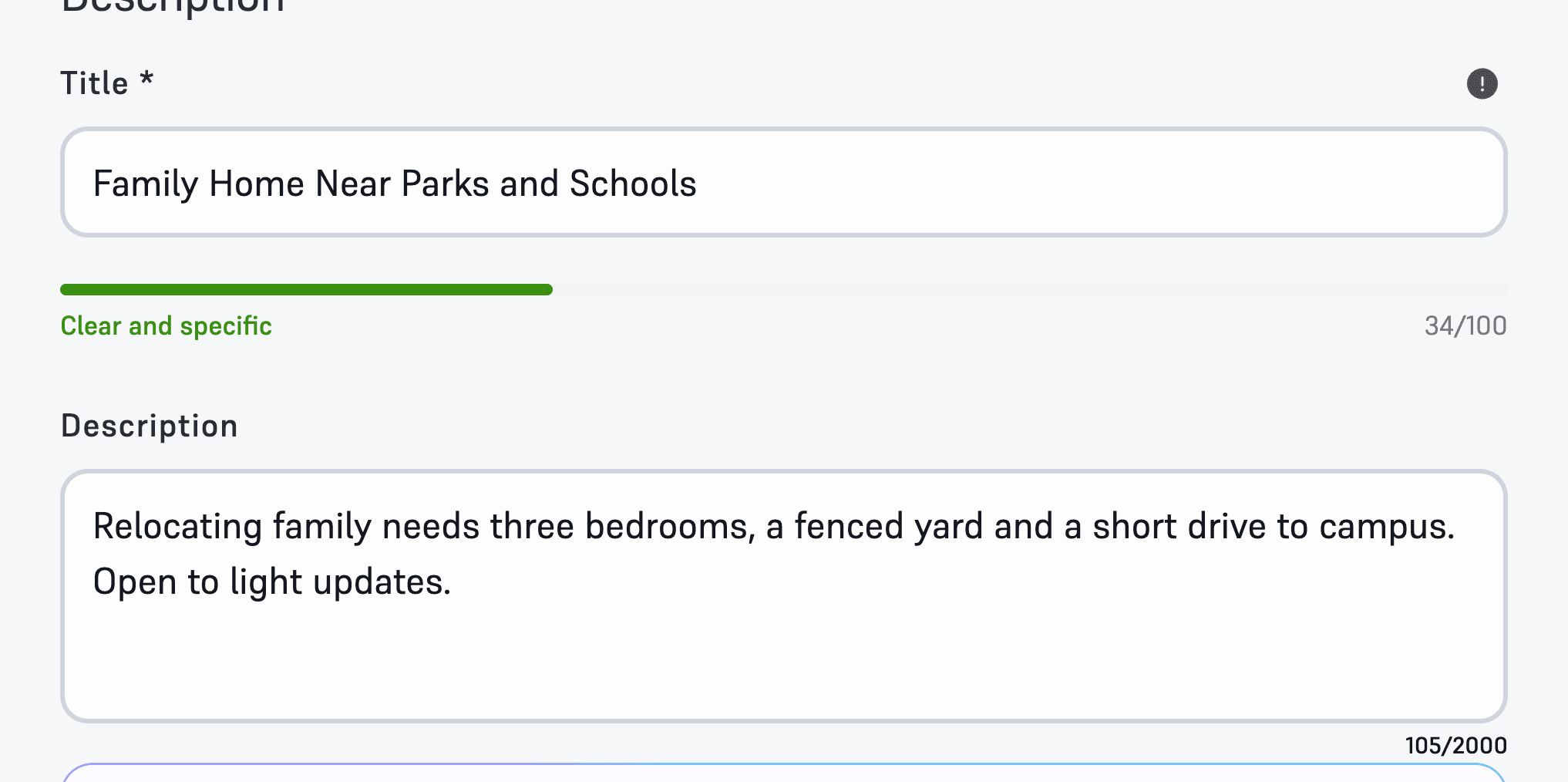
1. Create
Create a Want‑Listing in your BLS, the way you do today.
On the Want-Listing form
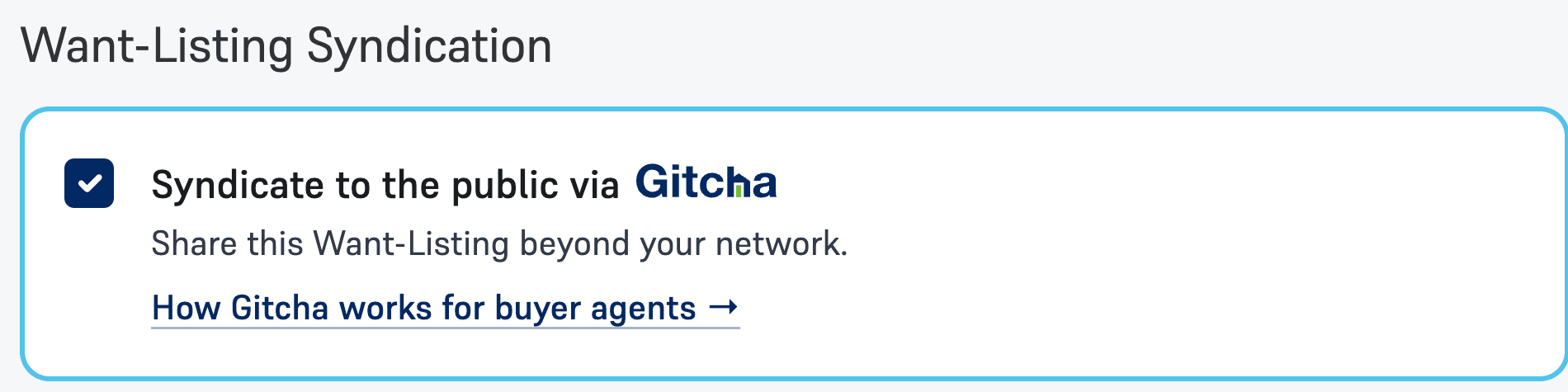
2. Syndicate
Check one box on the form to publish it to Gitcha.com.
Want-Listing Syndication, at the bottom of the form
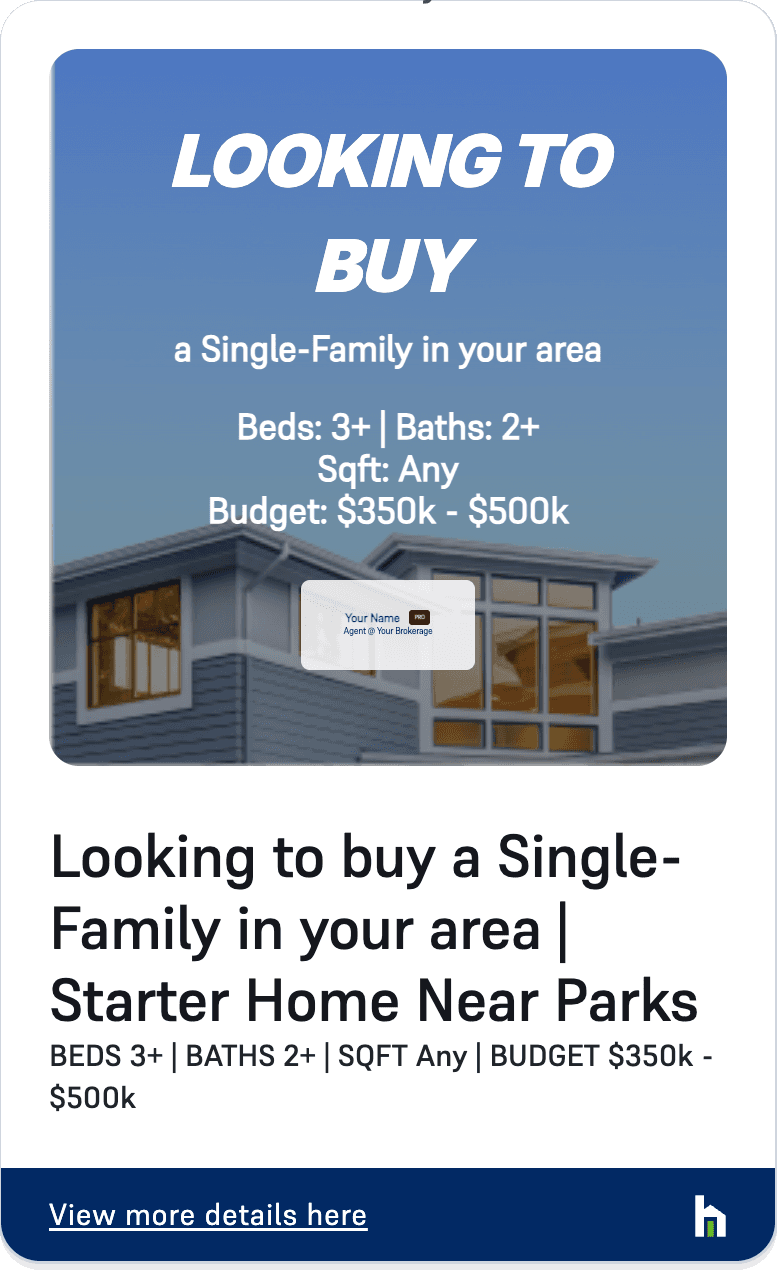
3. Share
Send your link on social or email. Responses come to you.
The share card on your Want-Listing
Share it everywhere
you already market.
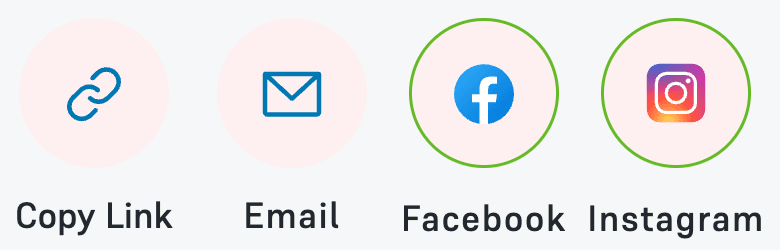
Every syndicated Want‑Listing gets a share card with your name on it. Post it on Facebook and Instagram, send it by email, or copy the link.
- FacebookFacebook
- EmailEmail
- InstagramInstagram
- Copy linkCopy link
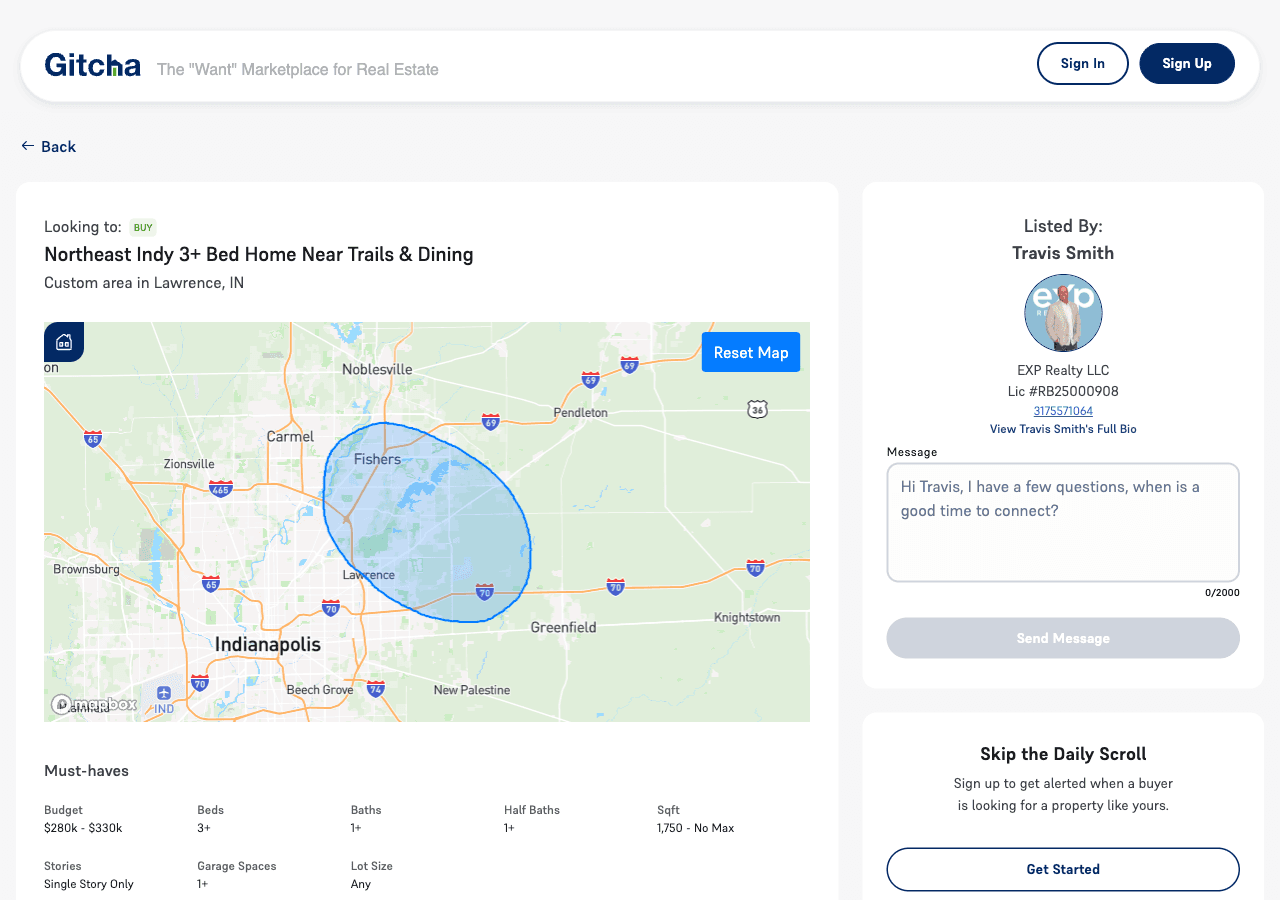
A live example
What the public sees.
- Your name, brokerage and license, on every page
- Your buyer’s needs, structured and easy to scan
- A message box that goes straight to you
No lead fees. No pay to play.
We do not sell leads.
We spotlight you, the agent.
Gitcha.com is the first place where working the buy side earns you organic exposure. Syndication is part of your membership, and it costs you nothing.
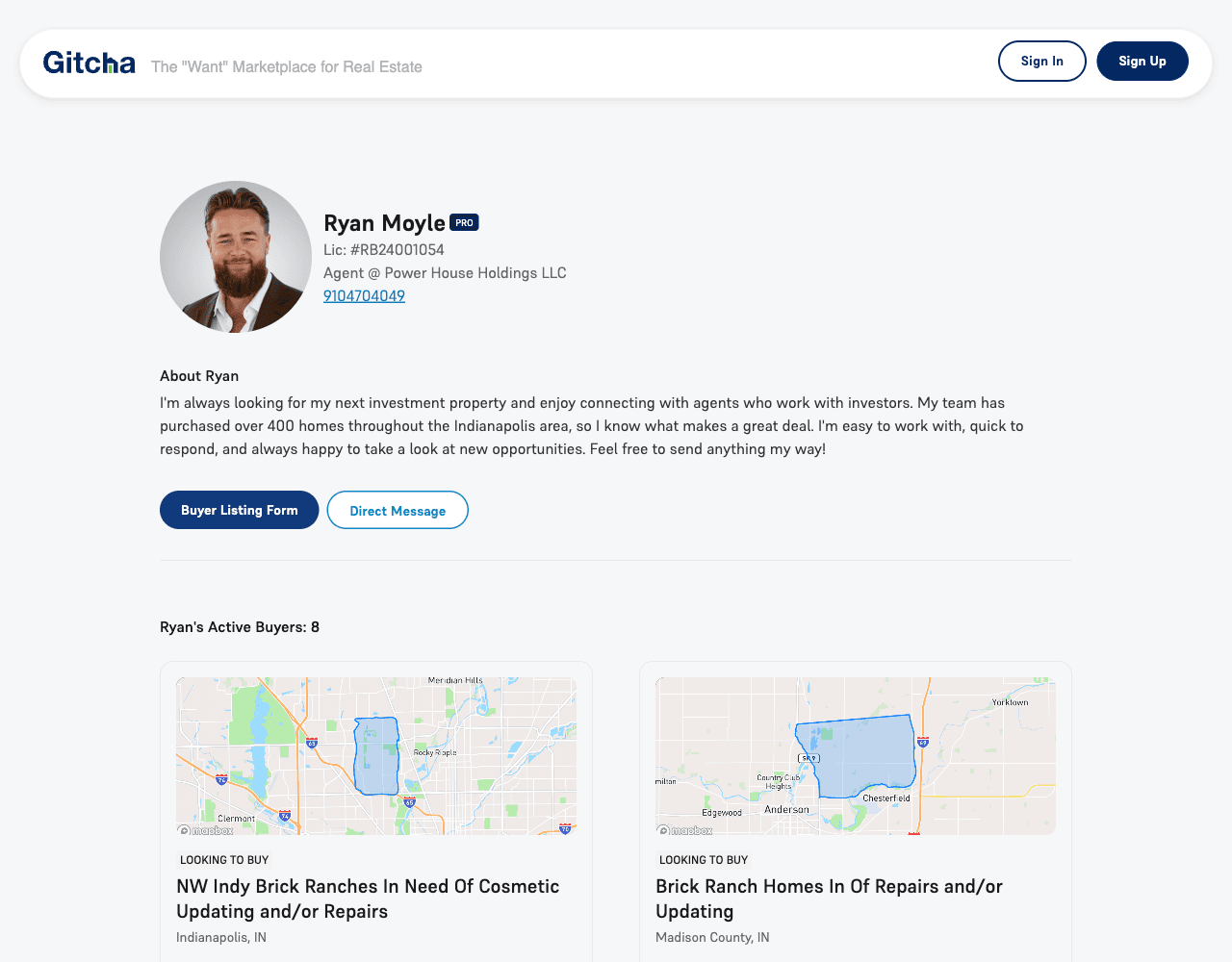
Every syndicated Want‑Listing collects on your public profile, next to your bio, brokerage and license. It is live proof that you are an active buyer agent, and a clear picture of the services you offer.
- Proof of the demand you are already working
- One link to send a seller, a sphere or a referral
- Every buyer on it points back to you
Not a for-sale portal.
Gitcha.com shows real-time buyer demand, not homes for sale.
Just buyer Want‑Listings from agents in the BLS.
| Gitcha.comGitcha.com | PortalsFor‑sale portals | |
|---|---|---|
| Real-time buyer demand, not homes for sale | Yes | No |
| You are the featured agent | Yes | No |
| No pay-per-lead fees | Yes | No |
| Responses come straight to you | Yes | No |
| Share graphics made for you | Yes | No |
| Stays current with your Want‑Listing | Yes | No |
You choose what goes public.
A syndicated Want‑Listing shows the search and the agent behind it.
Your client stays confidential.
Public on Gitcha.com
- What your buyer is looking for: area, budget, beds, baths and the rest of the criteria
- Your description of the search, in your words
- Your name, brokerage and license, plus your photo on Pro
- A message box that reaches you
Never shown
- Your client’s name
- Your client’s contact details
- Anything you keep in your BLS notes
Three short guides to get started.
Broadcast and Share with Gitcha
Where the checkbox lives, what it unlocks, and where to find your share card.
Read the guide4 min readThe Want-Listing Share Card Sphere Play
Turn one syndicated Want-Listing into a post your sphere shares for you.
Read the guide5 min readThe Public Profile Inbound Funnel
Set up your public profile so the people who find it can reach you.
Read the guideQuick answers.
Only members of a BLS network. The public can view syndicated Want-Listings, but cannot syndicate.
It is included with your membership. An optional Gitcha upgrade adds more marketing features.
The Want-Listing and your agent profile. Your client’s name is never shown.
Yes. Turn it off per Want-Listing, from the edit form.
You do. A response goes to you, the agent who posted the Want-Listing. It is not routed to anyone else.
No. The Want-Listing keeps working the same way for members: matching, alerts and introductions all continue as before.
The public page follows the Want-Listing. Close it, archive it or let it expire and it stops showing on Gitcha.
Ready when you are.
Check “Syndicate to the public via Gitcha.com” when you post.
Then share your link.
Read the syndication guideSet up your public profile
How The Buyer Listing Service® and Gitcha.com fit together →